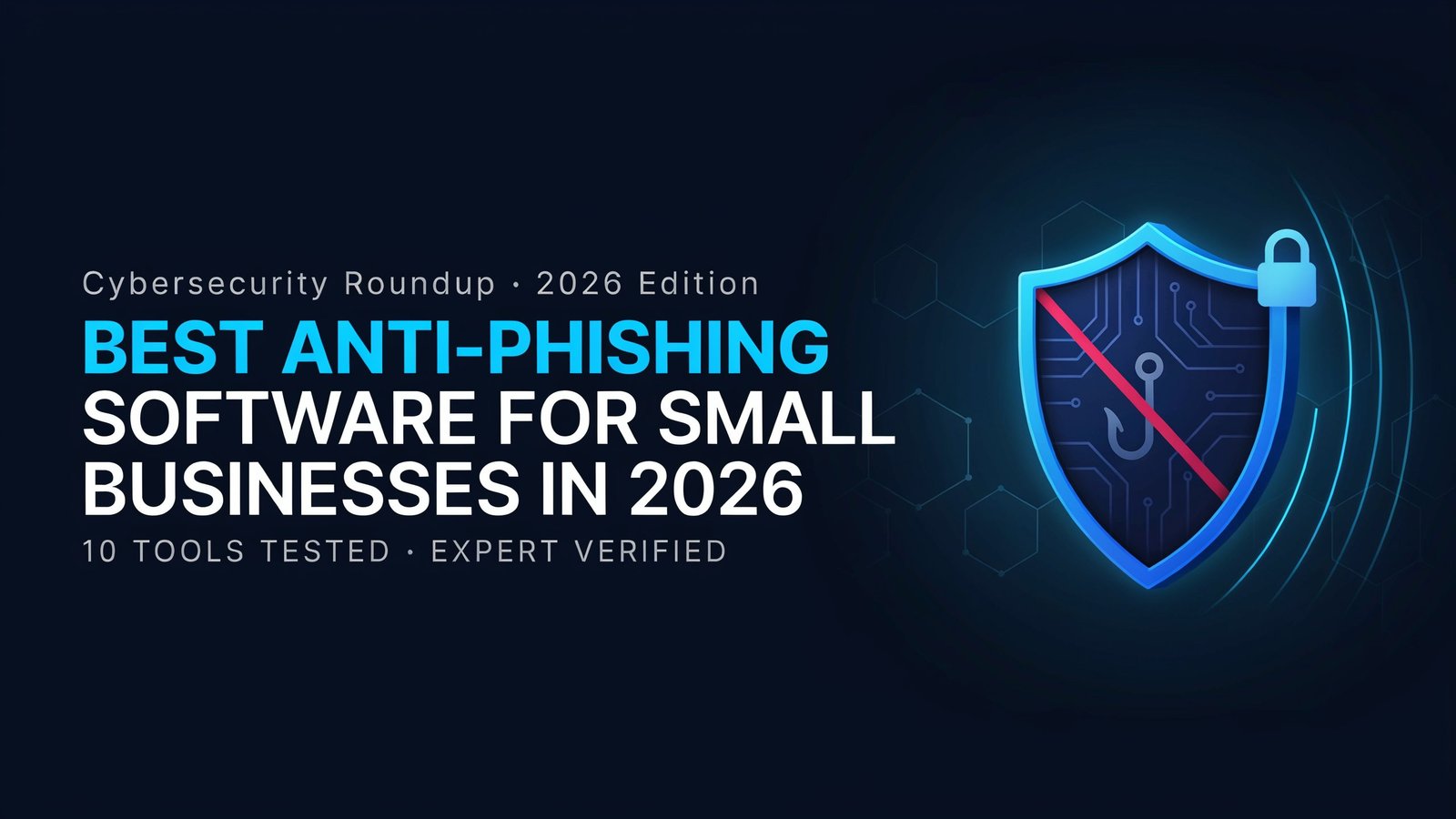
Best Anti-Phishing Software for Small Businesses in 2026
By the Texto Invisible editorial team | Updated November 2026
A single convincing email can cost a small company more than a year of software subscriptions.
That is why choosing the right anti-phishing software for small businesses has become less of an IT luxury and more of a basic survival decision.
If you have ever hesitated before clicking a “payment overdue” message, or watched a colleague nearly send money to a fake supplier, you already know how personal this problem feels.
This guide explains the best anti-phishing software for small businesses in 2026 by walking through the main types of protection, the features worth paying for, what pricing usually looks like, and how to roll everything out without overwhelming your team.
We deliberately avoid handing out invented scores to individual products, because features and prices change quickly and a fair comparison needs a current trial in your own environment.
Instead, you will get a practical framework you can use to compare any vendor honestly and pick the option that fits your budget, your email platform, and the way your people actually work.
Why Small Businesses Are Such Attractive Phishing Targets
Attackers do not need to break through a firewall when they can simply ask an employee for a password.
Small businesses make appealing targets because they hold valuable things, such as customer records, bank access, and supplier relationships, while rarely having a dedicated security team.
One person often handles invoices, email, and website logins at the same time, so a single mistake can open many doors at once.
Phishing has also become harder to spot with the naked eye. Messages are cleaner, logos are copied perfectly, and criminals research a company’s staff on public profiles before writing a single line.
Techniques such as business email compromise, where an attacker pretends to be a manager or a trusted vendor, depend on trust rather than malware, which means a basic antivirus program will often miss them completely.
The Federal Trade Commission’s cybersecurity guidance for small businesses and the public research published by the Anti-Phishing Working Group both show how steadily this threat keeps changing Best Anti-Phishing Software for Small Businesses.
Even tiny details can be turned into weapons. Lookalike letters and hidden characters can make a fake web address appear identical to a real one, a trick we break down in our guide to fake links built with Unicode characters.
Good protection software is designed to catch exactly this kind of deception before a human ever has to judge it.
What Anti-Phishing Software Actually Does
The phrase “anti-phishing software” covers several different layers of defense, and understanding them makes it much easier to compare products.
Most small businesses end up combining two or three of these layers rather than relying on one tool alone.
Email filtering and link scanning
The first layer sits between the internet and your inbox. It scans incoming messages for suspicious wording, bad sender reputation, and dangerous links, then quarantines or flags anything that looks risky.
The better tools do not only check a link when the email arrives, they re-check it when the recipient clicks, because attackers often switch a harmless page into a malicious one a few hours after sending.
Impersonation and domain spoofing protection
This layer looks for messages that pretend to come from someone you know. It compares display names, checks whether a sender’s domain is a near copy of yours, and verifies authentication records such as SPF, DKIM, and DMARC.
For a small business, this is often the most valuable feature, because fake invoices and fake executive requests rarely contain any malicious file at all.
Attachment sandboxing
Some attachments look like ordinary documents but hide harmful code. Sandboxing opens the file in a safe, isolated environment first and watches what it tries to do, so your staff never have to take the risk themselves.
Document hygiene matters here too, and it is worth reading our walkthrough on removing hidden information from a PDF before you share files with clients or partners.
Browser-level and DNS protection
Even with a strong email filter, someone will eventually reach a risky site through a chat message, a social media post, or a search result. Browser extensions and DNS filtering services
block known malicious pages at the moment of the click, which gives you a second chance to stop an attack that slipped past the inbox.
Security awareness training and phishing simulations
Software can stop most threats, but people remain the final checkpoint. Training platforms send realistic practice phishing emails to your team and show short lessons to anyone who clicks. Done well, this builds a habit of pausing and checking, which no filter can replace.
The Main Types of Anti-Phishing Solutions
Instead of chasing a single winner, it is more useful to understand the four broad categories you will meet when shopping. Each fits a different kind of business.
Built-in protection from your email provider
If your company uses a major email platform, you already have some phishing defense included.
Microsoft 365 and Google Workspace both offer filtering, link checks, and spoofing protection, and higher-tier plans typically add stronger controls.
For a very small team with a limited budget, switching these features on and configuring them properly is the smartest first step, and many owners discover they never enabled half of what they were already paying for.
Third-party email security tools
Dedicated email security products sit on top of your existing platform and add deeper analysis. Some work as a gateway that filters mail before it reaches you, while newer API-based tools connect directly to your mailbox and can even remove a dangerous message after delivery.
These tools usually catch more impersonation attempts than built-in filters, which makes them a good match for businesses that handle invoices, payroll, or sensitive client data every day.
All-in-one security suites
Some vendors bundle phishing protection with endpoint security, password management, and device monitoring.
This approach appeals to owners who want one bill and one dashboard rather than five separate subscriptions.
The trade-off is that bundled tools can be less specialized, so check that the email protection inside the suite is genuinely strong and not just a checkbox on a feature list.
Training-focused platforms
Training-first products concentrate on teaching your staff to recognize attacks, usually through simulations, short videos, and progress reports.
They work best alongside a filtering tool rather than instead of one, because even well-trained people occasionally slip when they are tired or rushed.
How to Choose the Right Tool for Your Business
The best choice depends less on brand reputation and more on how well a product fits your daily reality. A few questions will save you from paying for features you will never use.
Start with compatibility. Confirm that the software works with the email system your team already uses, and ask how long setup takes.
A tool that needs a week of technical configuration is a poor fit for a ten-person company without an IT department, while a product that connects in minutes and starts protecting immediately is far more likely to actually get used.
Next, look at accuracy and false positives. A filter that blocks every suspicious message but also traps genuine customer emails will quickly frustrate your staff, and people will start looking for ways around it.
During a free trial, pay attention to how often legitimate mail is flagged and how easy it is to release it.
Then consider reporting and response. Good software shows you what was blocked, who was targeted, and which messages reached inboxes anyway.
It should also give employees a simple way to report a suspicious email with one click, so your team becomes an early warning system rather than a weak point.
Finally, check support quality, because when a real attack is happening you want a human who answers quickly rather than a long ticket queue.
If your business works with AI-generated content or heavily edited text, you may also want tools that surface odd characters hidden in messages, similar to the ones we review in our guide to tools that detect Unicode symbols in AI text.
What You Can Expect to Pay
Most anti-phishing products are billed per user per month, and the range is wide. Built-in protection from your email provider is often included in your existing plan, while specialized email security and training platforms are usually sold as add-ons with their own per-seat pricing.
Some vendors require a minimum number of users or an annual contract, which can matter a lot for a team of five.
Because prices and plan names change often, always request a current quote and ask exactly what is included.
Watch for extra charges on training modules, advanced reporting, or priority support, and compare the total yearly cost against the potential loss from one successful attack.
For most small companies, the software costs far less than a single fraudulent transfer or a week of downtime.
A Simple Rollout Plan for Teams of Ten to Fifty
A good rollout is gradual and calm. Begin by turning on every protection your current email platform offers and by setting up the authentication records for your domain, since this costs almost nothing and blocks a surprising amount of spoofing.
After that, trial one third-party tool with a small group, collect feedback for two weeks, and compare the results with your existing setup before committing.
Once you choose a tool, introduce it with a short explanation so employees understand why it exists and what to do when a message is flagged. Add a reporting habit, run a first phishing simulation within the first month, and repeat every quarter with new scenarios.
The goal is steady improvement, not catching people out, so celebrate employees who report suspicious messages instead of embarrassing those who click.
The National Institute of Standards and Technology and the Cybersecurity and Infrastructure Security Agency both publish free, practical resources that pair well with any software you choose.
Common Mistakes to Avoid
The most frequent mistake is buying software and never configuring it. Default settings are often cautious rather than strict, so spend an hour reviewing policies, quarantine rules, and alert recipients.
Another common error is relying only on technology while ignoring habits, because attackers will happily target a stressed employee on a Friday afternoon.
Small businesses also tend to forget about multi-factor authentication. Even the best filter will occasionally miss a message, and if a stolen password is protected by a second verification step, the attacker still cannot get in.
Treat phishing software and multi-factor authentication as partners rather than alternatives.
Final Thoughts
The best anti-phishing software for small businesses is the one that fits your email platform, catches impersonation attempts, and is simple enough that your team keeps using it.
Start by enabling what you already have, add a dedicated email security layer if your budget allows, and support everything with regular training and multi-factor authentication.
Take thirty minutes this week to review your current settings, and if this guide helped you, share it with another business owner or leave a comment telling us which tools you have tried.
Frequently Asked Questions
Is built-in email protection enough for a small business?
For very small teams with low-risk operations, properly configured built-in protection can be a solid starting point. Businesses that handle payments, payroll, or sensitive client data usually benefit from adding a dedicated email security tool for stronger impersonation detection.
How much should a small business spend on phishing protection?
There is no single number, because pricing depends on team size and the features you need. A sensible approach is to compare the yearly cost with the possible loss from one successful attack, then choose the lowest-cost option that covers filtering, spoofing protection, and basic training.
Does anti-phishing software stop business email compromise?
It greatly reduces the risk, especially tools with impersonation and domain lookalike detection, but no product is perfect. Pair the software with clear payment verification rules, such as confirming bank detail changes by phone, to close the remaining gap.
How often should employees take phishing training?
Short sessions every quarter work better than one long annual course. Regular practice keeps the lessons fresh and helps new hires learn the warning signs quickly.
Can phishing protection slow down my email?
Modern tools scan messages in seconds, so most users never notice a delay. If you do see slow delivery or too many blocked messages, review the policy settings or contact the vendor’s support team.