Best AI Tools to Clean and Verify AI-Generated Business Content
By the Texto Invisible editorial team | Updated November 2026
Verify AI-Generated Business Content AI can draft a blog post, a product description, or a customer email in less time than it takes to make coffee. The problem is that the first draft is rarely ready to publish.
It may contain invented facts, awkward phrasing, copied-looking sentences, formatting leftovers, and even invisible characters that quietly break your website or spreadsheet.
Learning how to verify AI-generated content before it reaches your customers has become one of the most valuable skills for any business that uses AI.
This guide explains the best categories of tools to clean and check AI text, how they work together, and how to build a simple review process that protects your reputation without slowing your team down.
We focus on tool types and practical rules instead of crowning a single product, because features and prices in this field change quickly. The goal is to help you choose a small, reliable toolkit and use it consistently.
Why Verify AI-Generated Business Content Needs Cleaning and Verification
AI writing tools are built to produce text that sounds fluent and confident, and that is exactly why their mistakes are dangerous.
A model can state a made-up statistic, cite a study that does not exist, or describe a product feature your company never offered, all in a perfectly professional tone.
If nobody checks, those errors reach customers, search engines, and sometimes regulators, and fixing a public mistake always costs more than catching it early.
There is also the technical side. Text copied from AI tools can carry formatting leftovers such as stray symbols, odd spacing, and inconsistent quotation marks.
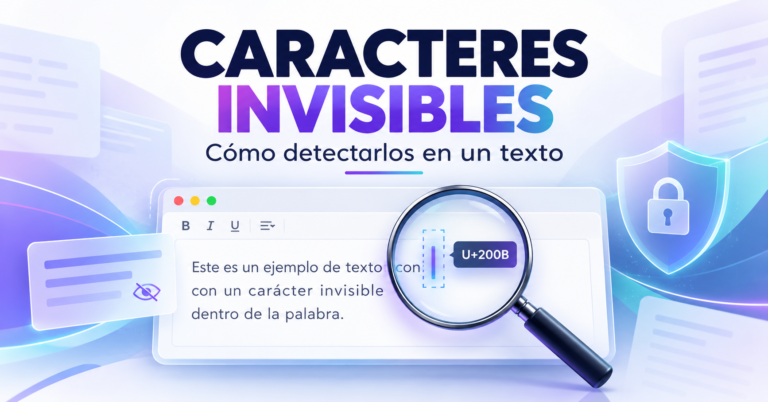
In some cases it also includes invisible Unicode characters that cause trouble in content management systems, email platforms, forms, and spreadsheets.
Our guide to finding and removing hidden Unicode characters explains how these characters appear and why they can create bugs that nobody can see.
Finally, there is the matter of trust. Readers and search engines both reward content that is accurate, original, and genuinely useful, so a business that publishes unchecked AI text is gambling with its credibility.
Cleaning and verification are not extra steps, they are what turn a raw AI draft into something your brand can stand behind.
A Simple Four-Step Process: Clean, Check, Compare, Polish
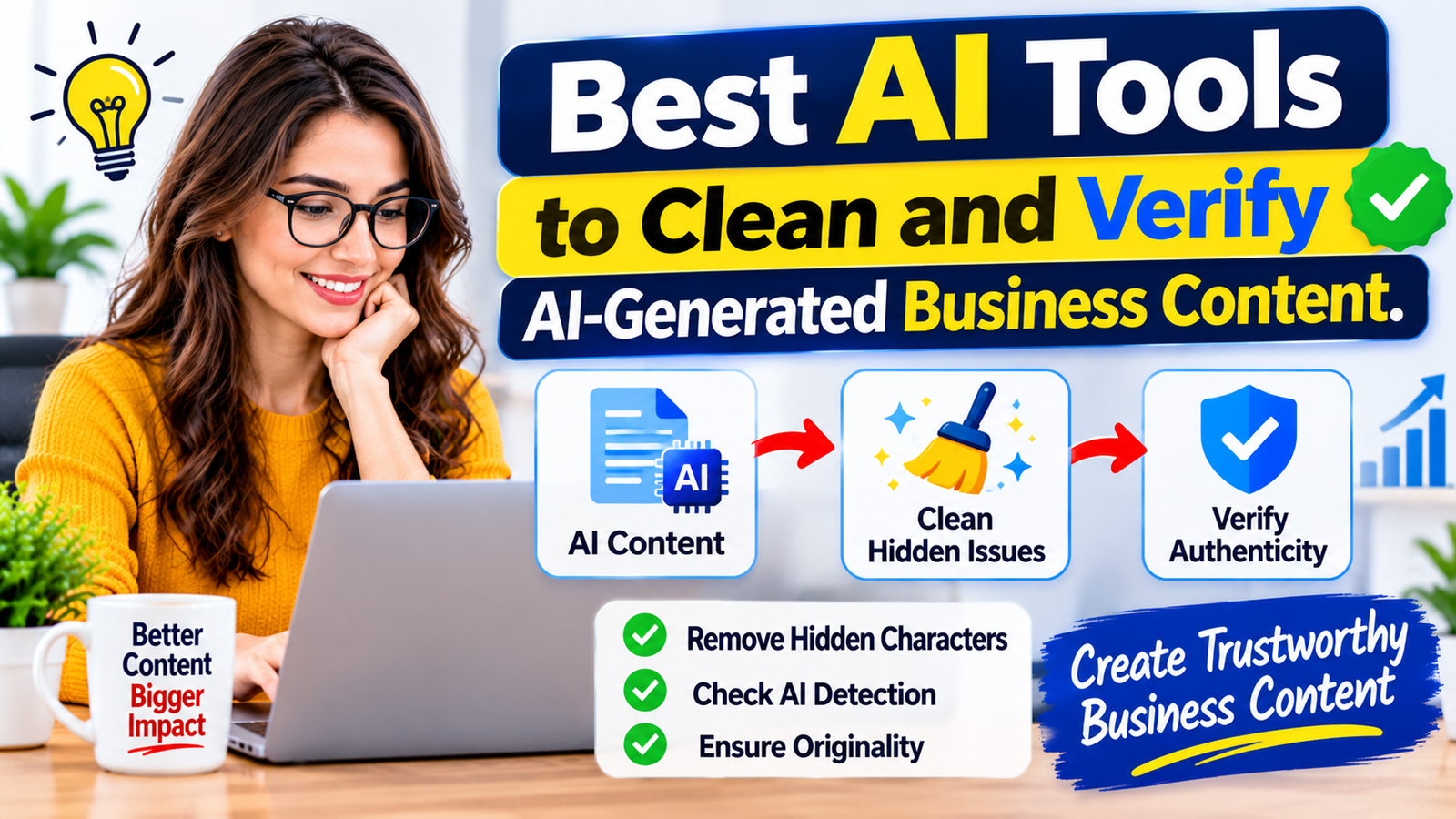
The most effective teams follow the same order every time. First, they clean the text so that it is technically safe, removing hidden characters, strange spacing, and formatting residue.
Second, they check the facts, confirming every number, name, date, and claim against a trustworthy source.
Third, they compare the text against existing content to make sure it is original and does not repeat what others have published. Fourth, they polish the writing so that the tone, style, and message match the brand.
This sequence matters because each step builds on the one before it. There is no point polishing a sentence that contains a false claim, and checking facts in a document full of invisible characters can lead to confusing search results.
A fixed order also makes the process easy to teach, so anyone on your team can follow it without guesswork.
Tools to Clean AI-Generated Text
Cleaning is the fastest and most mechanical step, which makes it perfect for tools. The goal is to remove anything that does not belong before a human spends time reading.
Hidden character and Unicode cleaners
These tools scan text for zero-width spaces, byte order marks, non-breaking spaces, and other invisible symbols, then show you where they are and remove them on request.
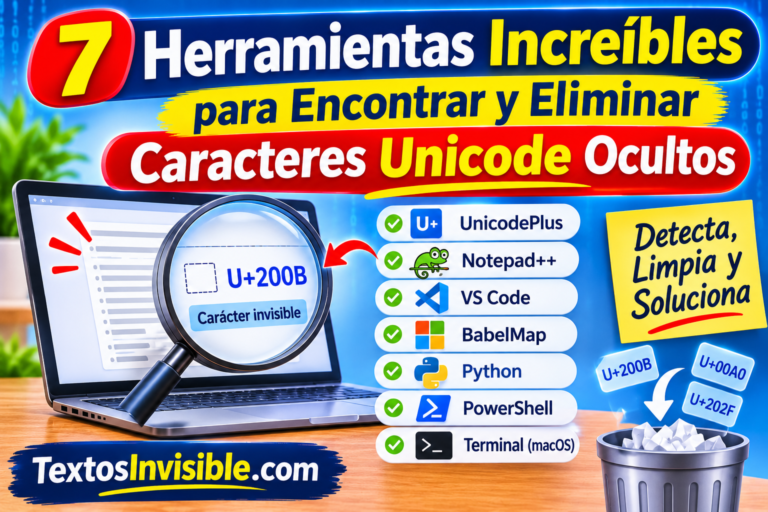
They are useful whenever you paste AI output into a website editor, an email campaign, a form, or a spreadsheet. We review several options in our guide to tools that detect Unicode symbols in AI text, and developers can go deeper with our comparison of the best hidden character detectors.
Choose tools that work locally or that clearly state they do not store your text, because business content often contains private information.
Plain-text and formatting cleaners
AI chat tools often produce markdown symbols, extra line breaks, curly quotes mixed with straight ones, and double spaces.
A plain-text cleaner strips this formatting so that the text pastes cleanly into your publishing platform. Many word processors and code editors also include find-and-replace features that can fix these issues in seconds, so you may not need to install anything new.
Grammar, style, and readability editors
Grammar and style checkers catch typos, awkward sentences, repeated words, and overly long paragraphs. Readability tools score how easy your text is to read and highlight sentences that could confuse a reader.
These tools do not verify facts, but they make the writing sound more natural and consistent, which is especially helpful when several people edit the same AI draft.
Use their suggestions as advice rather than orders, because a tool can flatten your brand voice if you accept every change.
Tools to Verify AI-Generated Content
Verification is where human judgment matters most, but the right tools make the job faster and more reliable.
Fact-checking and source verification tools
The most important verification tool is still a good search engine combined with a habit of looking for primary sources.
For every statistic, quote, date, or claim, find the original source, such as an official report, a government website, a company announcement, or a peer-reviewed study.
Some AI assistants now include browsing and research features that provide links, but you must open those links yourself, because a citation that looks real can point to a page that does not support the claim or does not exist at all.
Fact-checking websites and reverse image search tools can also help you confirm viral claims and check where an image really comes from.
For regulated topics such as health, finance, or law, a qualified professional should review the content before publication, because a polished AI paragraph is not a substitute for expert advice.
Plagiarism and originality checkers
Plagiarism checkers compare your text against web pages and databases to find passages that closely match existing content.
They are valuable for agencies, publishers, and businesses that publish regularly, since AI can sometimes reproduce phrasing that is too close to its training material.
A clean report does not prove the text is original in every sense, but a high match score is a clear signal to rewrite. Always run this check on the final version, after your edits.
AI content detectors and their limits
AI detection tools estimate whether a text looks machine-written. They can be a useful signal, but they should never be the only judge.
Detectors can produce false positives on human writing, especially on simple, formal, or non-native English, and they can miss AI text that has been edited.
Use them as one data point to prompt a closer review, and never use a detector score alone to accuse a writer or to decide whether content is good enough.
What matters in the end is whether the content is accurate, original, and helpful to the reader.
Brand voice and compliance checks
Every business has rules about tone, terminology, and claims. A written style guide, a list of approved product statements, and a short compliance checklist are the best tools here, and some platforms let you store these rules so that AI drafts follow them from the start.
Check carefully for promises you cannot keep, such as guaranteed results, unsupported comparisons, or unverified customer testimonials, because misleading claims can create legal trouble.
The Federal Trade Commission’s business guidance is a helpful starting point for understanding what counts as an honest claim.
Free vs Paid Tools: What Is Worth Paying For
For a freelancer or a very small business, free tools can cover most of the process. A hidden character cleaner, the grammar checker built into your word processor, a search engine, and a free plagiarism scan for short texts will catch a large share of problems.
Add a written checklist and a habit of opening every source, and you already have a solid system at no cost.
Paid tools become worthwhile when volume, risk, or team size grows. Agencies and publishers that check dozens of articles each week benefit from batch plagiarism scanning, team accounts, and saved reports.
Companies in regulated industries may need approval workflows and audit trails that free tools cannot provide.
If your team publishes AI-assisted content daily, our guide to the best AI workflow automation software for small teams shows how to build cleaning and approval steps into an automatic process.
Building a Review Workflow for Your Team
A good workflow assigns clear roles. One person can generate the draft and run the cleaning tools, a second person checks every fact and source, and a third, which can be the same person on a very small team, does the final edit for tone and compliance.
Even a two-person version of this system dramatically reduces errors, because the author of a text is usually the worst person to spot its mistakes.
Write a short checklist and keep it where everyone can find it. It should remind reviewers to remove hidden characters, verify every number and quote, confirm that each link works and supports the claim, run an originality check, and read the text aloud once to catch awkward phrasing.
Reading aloud sounds old-fashioned, but it remains one of the fastest ways to notice robotic rhythm and repeated patterns that AI tends to produce.
Special Risks to Watch For
Numbers deserve extra suspicion, since AI often rounds, mixes up years, or invents precise-looking figures.
Quotes are another danger, because a model may attribute words to a real person who never said them. Treat any quotation as unverified until you find the original source, and remove it if you cannot.
Links and citations also need careful review. Open each one, confirm that it works, and make sure the page really says what your text claims.
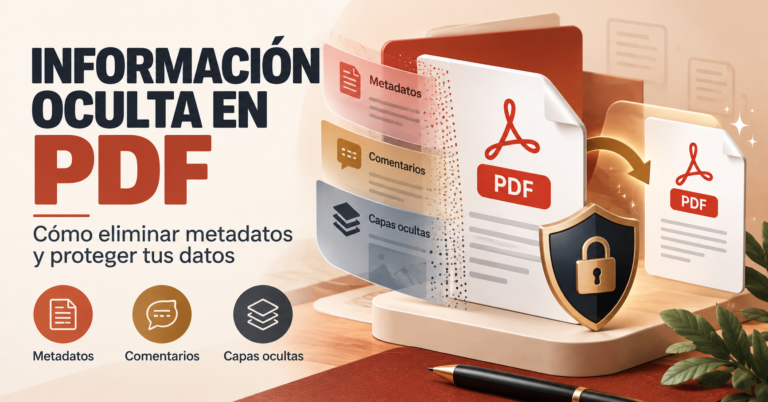
Be careful with files too, because documents shared with clients can carry hidden metadata, and our guide on removing hidden information from a PDF explains how to clean them.
Finally, remember that AI tools are also used by scammers, so protect your team with strong email security, as covered in our overview of the best anti-phishing software for small businesses.
What Google Says About AI-Generated Content
Search engines do not punish content simply because AI helped create it. Google’s guidance on creating helpful, reliable, people-first content emphasizes quality, expertise, and usefulness, and it warns against producing content mainly to manipulate rankings.
In practical terms, that means AI can be part of your process, but the final article should include real experience, accurate information, and a clear benefit for the reader.
For broader guidance on using AI responsibly, the NIST AI Risk Management Framework offers free, practical resources.
Common Mistakes to Avoid
The most common mistake is publishing AI text exactly as it comes out. Even a strong draft usually needs your examples, your data, and your judgment to become genuinely valuable.
Another mistake is relying on a single tool, such as an AI detector, and treating its score as the truth, when each tool only covers one slice of quality.
Businesses also skip documentation, which makes quality depend on whoever happens to be in a hurry that day.
Finally, many teams verify the facts but forget the technical cleanup, and then discover broken formatting or odd characters only after the content is live. A short, repeatable process avoids both problems.
Final Thoughts
The best way to verify AI-generated content is not a single magic product but a small toolkit used in a consistent order.
Clean the text with a hidden character and formatting tool, check every fact against real sources, run an originality check, and finish with a human edit for tone and compliance.
Start with free tools, add paid ones only when your volume or risk requires it, and keep a written checklist so quality does not depend on memory.
Try this process on your next AI draft this week, and if this guide helped, share it with a colleague or tell us in the comments which tools you rely on.
Frequently Asked Questions
Can I publish AI-generated content on my business website?
Yes, as long as it is accurate, original, and genuinely helpful. Search engines focus on quality rather than on how the text was produced, so review and improve every draft with your own knowledge and verified facts before publishing.
Are AI content detectors reliable enough to trust?
They are useful as a warning signal but not as proof. Detectors can flag human writing by mistake and miss edited AI text, so combine them with fact-checking, originality checks, and human review instead of relying on a score alone.
What are hidden characters in AI text?
They are invisible Unicode symbols, such as zero-width spaces and non-breaking spaces, that can appear when text is copied from AI tools or web pages. They can break formatting, search functions, forms, and code, so it is wise to scan and clean text before using it.
How do I check whether an AI-written fact is true?
Find the original source, such as an official report, a company page, or a study, and confirm that it says what the text claims. Open every cited link yourself, and remove any claim, quote, or statistic that you cannot verify.
Do I need paid tools to clean and verify AI content?
Not at the beginning. Free hidden character cleaners, built-in grammar checkers, search engines, and a written checklist cover most needs. Paid tools make sense when you publish at high volume, work in a regulated industry, or need team features and reports.