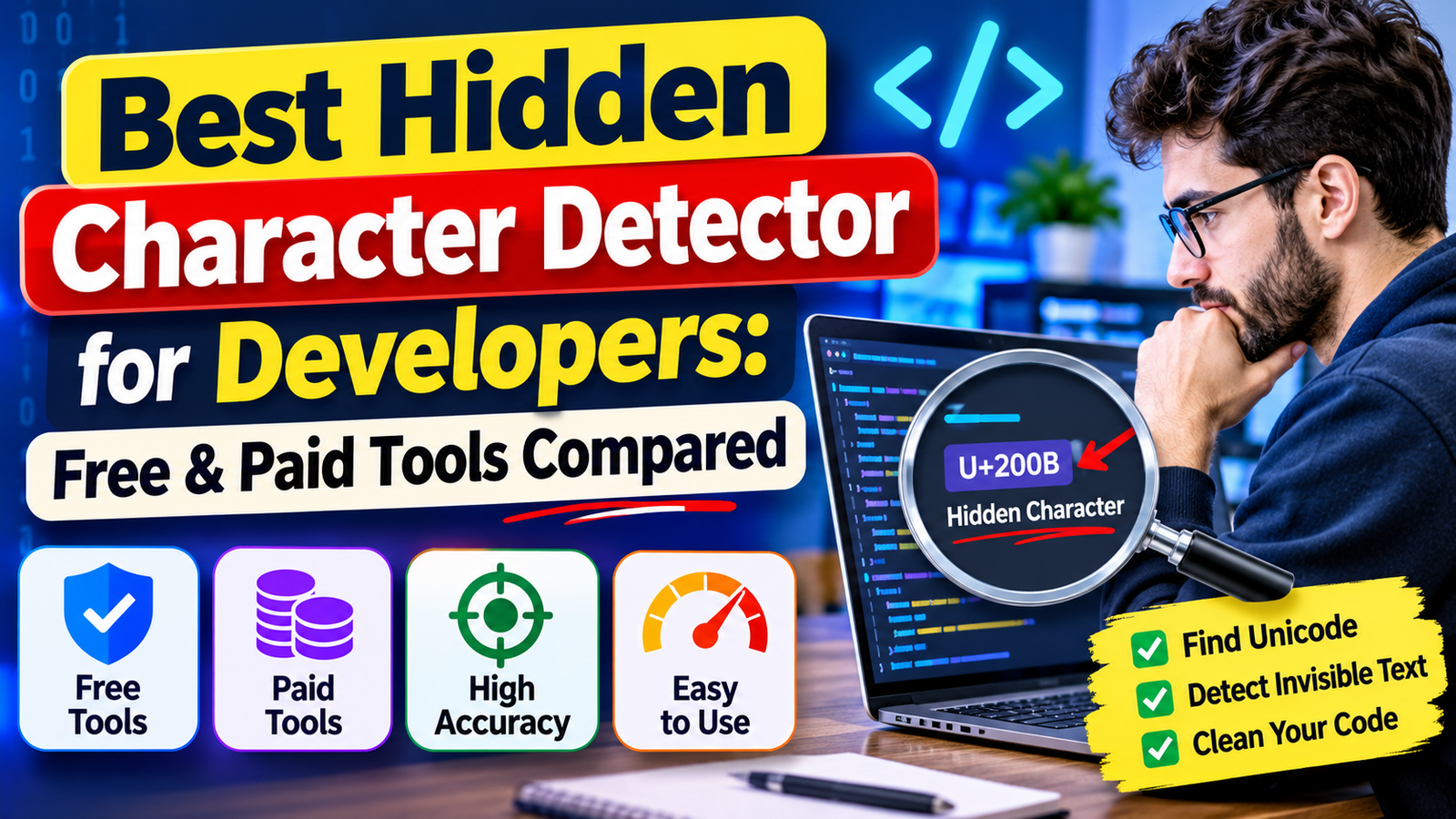
Best Hidden Character Detector for Developers: Free and Paid Tools Compared
By the Texto Invisible editorial team | Updated November 2026
You stare at a line of code for twenty minutes. It looks perfect, the syntax is right, the variable names match, and yet the build fails or a string comparison keeps returning false.
If this has ever happened to you, an invisible character was probably hiding in the text. Finding the best hidden character detector for developers is not about buying the fanciest product, it is about choosing a setup that makes the invisible visible at the exact moment you need it.
This guide compares free and paid approaches, explains what each one is good at, and shows you how to combine them into a workflow that catches these bugs before they reach production.
We do not rank individual products with made-up scores, because features change often and the right choice depends on your editor, your team size, and your security needs.
Instead, you will learn how to judge any detector fairly and how to build a reliable defense with tools you may already have installed.
Why Hidden Characters Are a Real Problem for Developers
Hidden characters are Unicode symbols that take up space in a file but show nothing on screen.
They sneak into projects when someone copies a snippet from a chat window, a documentation page, a PDF, or an AI assistant, and the extra symbols travel along without anyone noticing.
The result is a class of bugs that is almost impossible to solve by reading the code, because the code that looks wrong to the computer looks perfectly fine to you.
The damage ranges from annoying to serious. A zero-width space inside a variable name can cause an “undefined” error, a stray byte order mark at the start of a file can break a configuration parser, and a non-breaking space can make a command fail in a terminal even though it looks identical to a normal one.
In the security world, researchers behind the Trojan Source research showed that bidirectional control characters can make source code display differently from the way a compiler reads it, which was tracked as CVE-2021-42574.
That means a hidden character is sometimes not just a nuisance but a way to slip malicious logic past a code review.
The Hidden Characters You Will Meet Most Often hidden character detector
Before choosing a detector, it helps to know what you are hunting. The zero-width space (U+200B), the zero-width non-joiner and joiner, and the byte order mark (U+FEFF) are the usual suspects in copied text and files saved by certain editors.
The non-breaking space (U+00A0) and the soft hyphen (U+00AD) appear constantly in content pasted from web pages and word processors.
Bidirectional control characters, which change the visual order of text, are rarer but far more dangerous in source code.
There is also a second family that is visible but deceptive, known as lookalike characters or homoglyphs.
A Cyrillic letter that resembles a Latin one can create two identifiers that appear identical and behave differently.
If you want to understand how close some of these symbols are to ordinary spaces, our comparison of zero-width space versus blank space explains the differences in detail, and the Unicode Consortium’s confusables guidance covers the lookalike problem from the standards side.
What to Look for in a Hidden Character Detector
A good detector should do more than find a few well-known symbols. Start with coverage, because a tool that only checks for the zero-width space will miss bidirectional controls and unusual separators.
Look for support for the full set of format and control characters, not just a short list.
Next, consider visibility. The most useful tools show you exactly where the character sits, name it, and let you jump to it, rather than just announcing that something is wrong somewhere in a large file. Automation matters just as much, since a detector you have to remember to run manually will eventually be forgotten, while one that runs on every commit protects you without any extra effort.
Finally, think about privacy and false positives. Pasting proprietary code or secrets into a random website is a risk you should not take, so prefer tools that work locally.
At the same time, a detector that flags every accented letter will drown you in noise, which is a real problem for teams working in Spanish, French, Arabic, or any language that legitimately uses non-ASCII characters.
Free Hidden Character Detectors
The good news is that free tools cover most of what an individual developer needs. In many cases the best option is already sitting inside the editor you use every day.
Editor built-in features
Modern code editors have become surprisingly good at exposing hidden characters. Visual Studio Code, for example, can highlight invisible and ambiguous Unicode characters through its Unicode highlight settings, and it can also render whitespace so that spaces and tabs become visible symbols.
Turning these on takes less than a minute and gives you real-time feedback while you type or paste. Other popular editors and IDEs offer similar options, usually under the name “show invisibles” or “render whitespace”, so check your own settings before installing anything new.
Command-line tools
If you live in the terminal, simple utilities can do a lot. Commands that display non-printing characters, hex viewers that show the raw bytes of a file, and grep with Perl-style patterns can search an entire project for specific code points in seconds.
A tiny script in a language such as Python can go even further by walking through every character in a file and reporting anything whose Unicode category is “format” or “control”. This approach is free, private, fast on large codebases, and easy to plug into automation, which makes it a favorite for experienced developers.
Online checkers
Browser-based detectors are the easiest way to inspect a short piece of text, especially when you are not at your own machine.
They are great for quick checks of a snippet, a message, or a piece of AI-generated text, and we review several of them in our guide to tools that detect Unicode symbols in AI text.
Just remember the privacy rule, and never paste credentials, customer data, or private source code into a website you do not fully trust.
Warnings from your code platform
Some hosting platforms now warn you when a file or a change contains suspicious bidirectional Unicode text.
These banners are a helpful safety net during code review, although they should be treated as a backup rather than your main defense, since they cover a limited set of risky characters and only appear after the code has already been pushed.
Paid Hidden Character Detectors
Paid products rarely detect a single character better than a well-written free script. What you are really buying is automation, coverage across many repositories, central policy, and reporting that a manager or security team can use.
Code scanning and security platforms
Commercial static analysis and code scanning platforms often include rules that flag bidirectional characters, lookalike identifiers, and other suspicious Unicode in source files.
They run automatically on every pull request, track findings over time, and integrate with ticketing systems.
If your company must prove that it checks for supply chain risks, this kind of paid tooling can save a great deal of manual work.
Before you subscribe, confirm in a trial that the specific rules you care about are actually included in your plan.
Team-level editor and data-quality tools
Some paid editors, data-cleaning platforms, and document tools add hidden character detection as part of a bigger package.
These are useful when your team handles lots of imported data or content, for example customer lists or exported spreadsheets, and you want cleanup built into the workflow.
Our guides on finding and removing hidden Unicode characters and on detecting hidden characters in file names show what a good cleanup process looks like, even if you decide to do it with free tools.
Free vs Paid: Which One Should You Choose?
For a solo developer or a student, free tools are almost always enough. Turn on your editor’s Unicode highlighting, learn two or three command-line checks, and keep a trusted offline script in your toolbox.
That setup costs nothing and catches the vast majority of real-world problems.
For a small team, the best move is usually to stay free but make it automatic. Add a check to your pre-commit hooks and your continuous integration pipeline so that nobody has to remember anything, and agree on a shared rule about which characters are allowed.
For larger companies, regulated industries, or projects that accept outside contributions, paid code scanning becomes more attractive because it adds audit trails, central management, and support, which are hard to replicate with homemade scripts.
A Practical Workflow That Works
A reliable workflow has layers. Begin with your editor, enabling Unicode highlighting and whitespace rendering so that suspicious characters announce themselves while you work.
Add a local check that runs before every commit and blocks files containing characters outside the set your project allows, and repeat that check in your continuous integration system so that nothing can slip through a forgotten setting on someone’s laptop.
Then deal with the source of the problem. Be careful when copying code from chat apps, web pages, and AI tools, and paste it as plain text whenever possible.
If your application accepts user input, normalize and validate it at the boundary, so that invisible characters in names, emails, or search fields never reach your database.
Finally, make hidden characters part of your code review habits, especially for changes from new contributors.
Common Mistakes to Avoid
The biggest mistake is deleting every non-ASCII character in a file. It feels safe, but it destroys legitimate accents, symbols, and entire languages, and it can corrupt data that real users depend on.
Define a list of specific problem characters, or allow only certain categories, instead of using a blunt filter.
Another frequent error is trusting your eyes. Because these characters are invisible by definition, no amount of careful reading will reliably find them, so tools must do that job for you.
The last mistake is treating the problem as a one-time cleanup. Hidden characters return every time new text enters your project, which is why automation beats occasional manual hunts.
Final Thoughts
The best hidden character detector for developers is the one that runs automatically, explains what it found, and respects your privacy.
Start with the free features already inside your editor, add a simple command-line or script check, and move to paid scanning only when your team or compliance needs justify the cost.
Spend ten minutes today enabling Unicode highlighting in your editor, and if this guide saved you from a mysterious bug, share it with a teammate or tell us in the comments which detector you rely on.
Frequently Asked Questions
What is the best free hidden character detector for developers?
The most practical free option is the Unicode highlighting and whitespace features built into your code editor, combined with a simple command-line or script check. This combination works offline, runs quickly, and keeps your code private.
Can hidden characters really break code?
Yes. A zero-width space in an identifier, a byte order mark in a configuration file, or a non-breaking space in a command can all cause errors that look impossible when you read the code. Bidirectional control characters can even disguise how code appears to reviewers.
Are online hidden character checkers safe to use?
They are fine for harmless snippets, but you should avoid pasting private source code, passwords, API keys, or customer data into them. For sensitive material, use an offline tool or an editor feature instead.
Is paid software worth it for finding hidden characters?
It is worth considering for larger teams and companies that need automatic scanning of many repositories, central rules, and reports. Individual developers and small teams usually do well with free tools and a pre-commit check.
How do I stop hidden characters from entering my project?
Paste copied text as plain text, add automated checks to your commits and build pipeline, validate user input, and include hidden characters in your code review routine. Layered protection works far better than a single cleanup.